Lan FTP Server Pro

Turn your Android device into a powerful and easy-to-use FTP server.
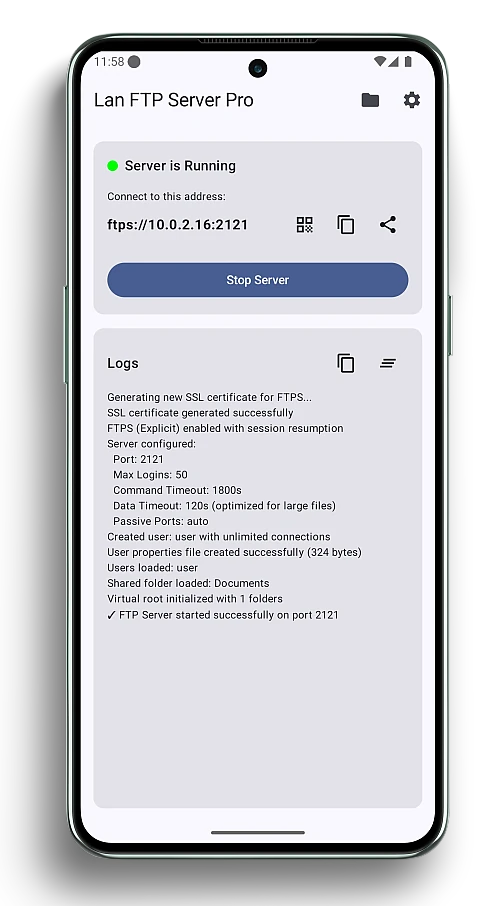
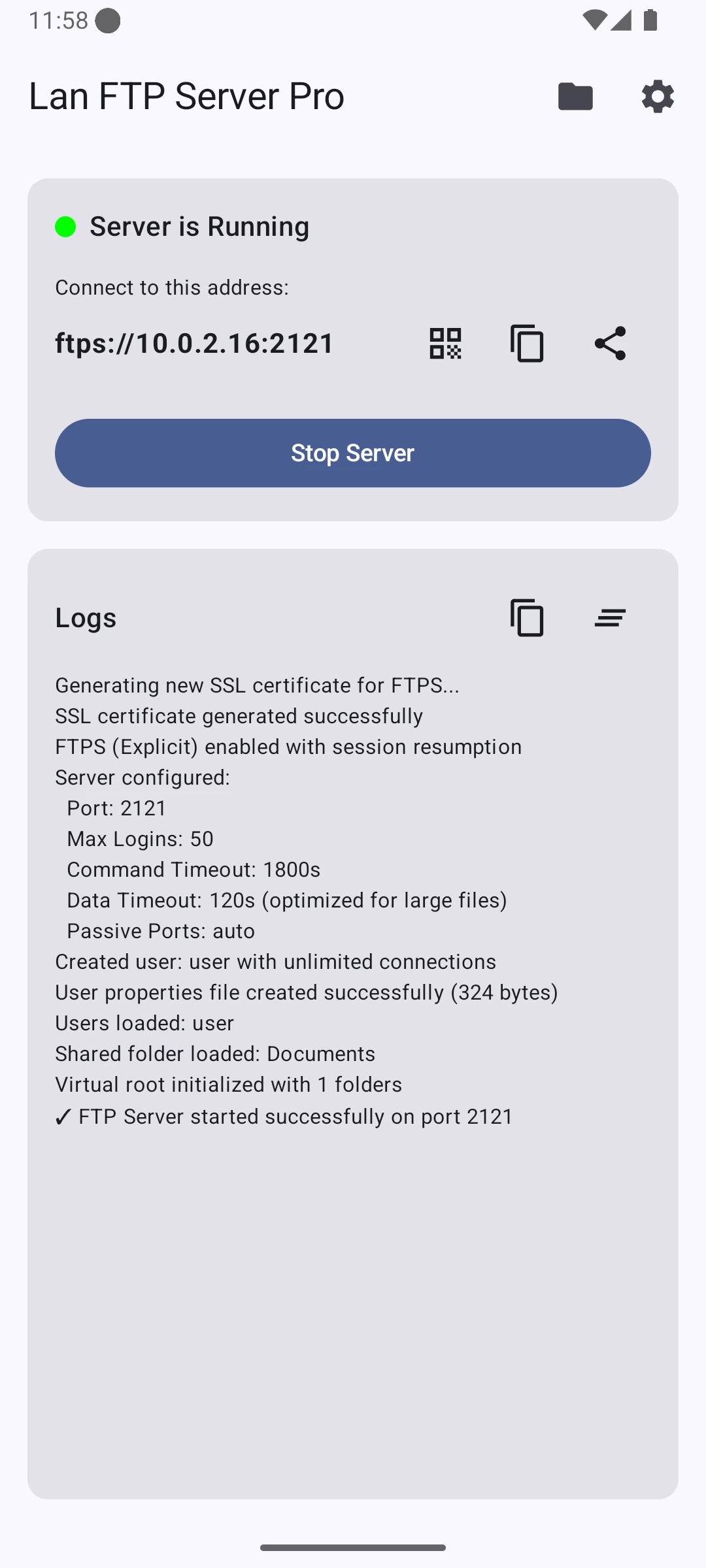
Screenshot of the LanFTPServerPro app on an Android phone showing the server status and connection details.

Features

Wireless File Transfer

Easily transfer files between your phone and computer over your local network.

Secure & Private

Your files stay on your local network. Secure your server with a username and password.

Easy to Use

Start and stop the FTP server with a single tap. A clean and intuitive interface.

Discover our App

LanFTPServerPro is a simple yet powerful application that allows you to run an FTP server on your Android device. This makes it easy to transfer files, photos, and videos to and from your computer without the need for a USB cable. The app is designed to be easy to use, with a clean and intuitive interface. It is also highly configurable, with options to set the port, username, and password for the server.

Download Pro Download Free
Perspective phone showing LanFTPServerPro app menu
  • 1
    Configure Your Server

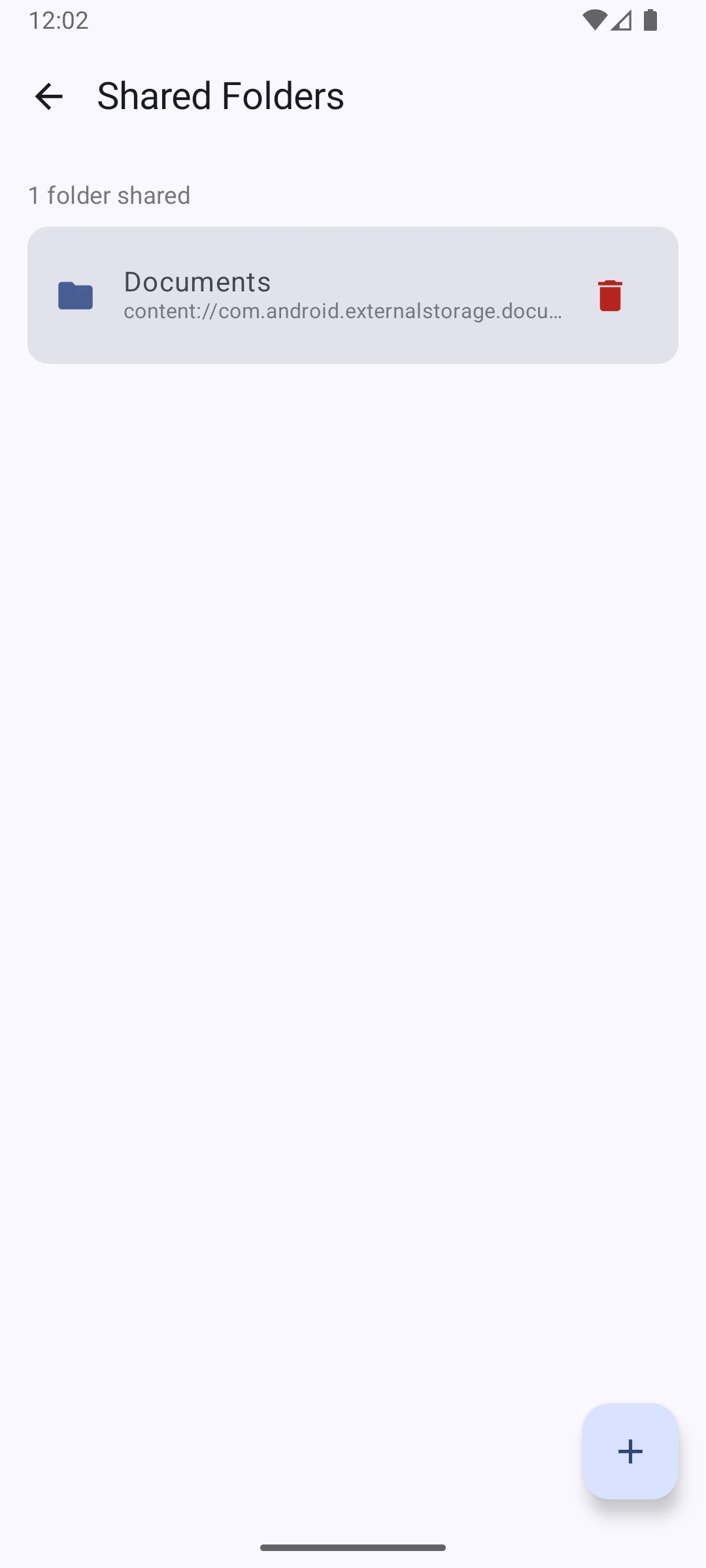
    Set your desired port, username, and password. Choose the folders you want to share.

  • 2
    Start the Server

    Tap the start button to launch the FTP server. The app will display the server address.

  • 3
    Connect & Transfer

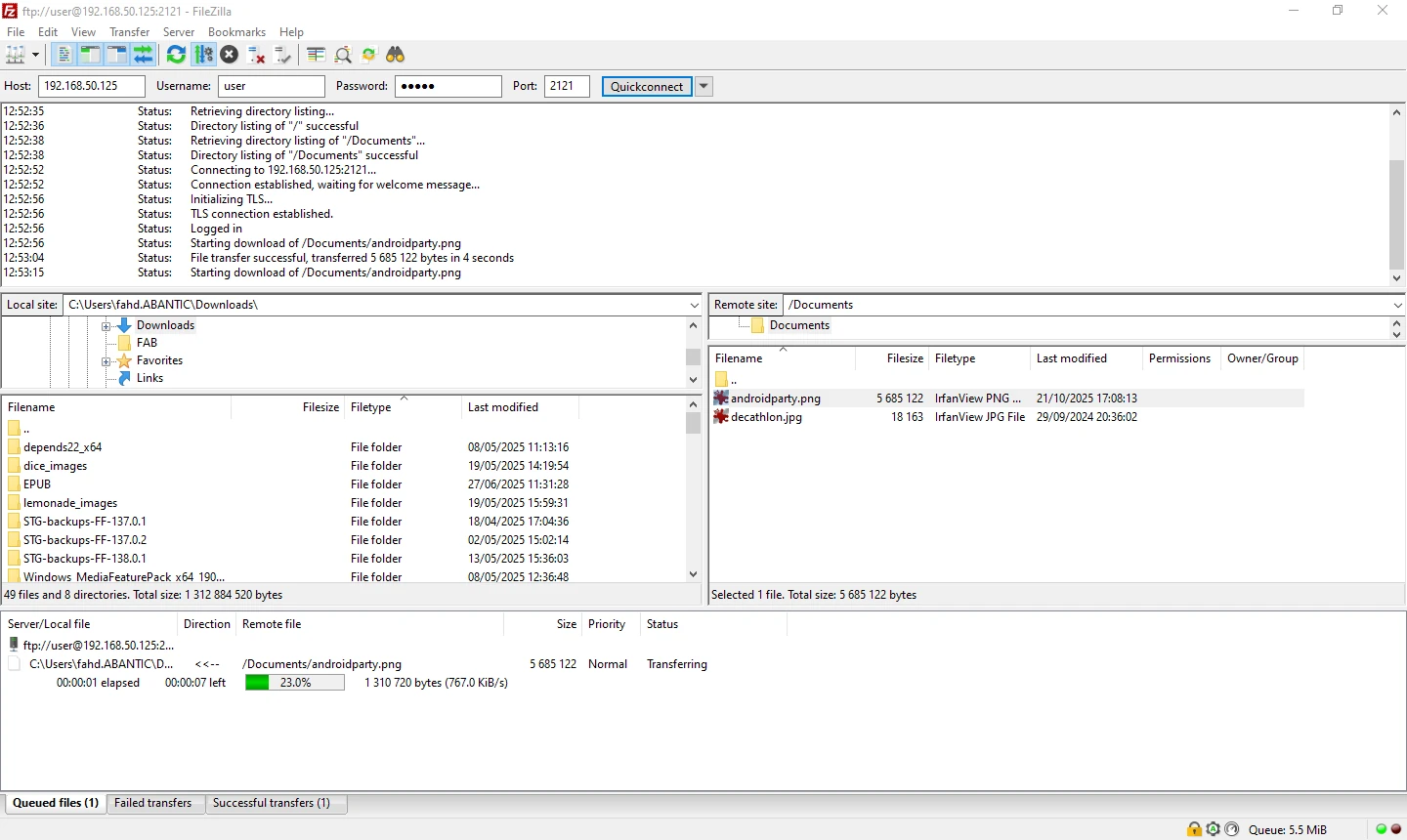
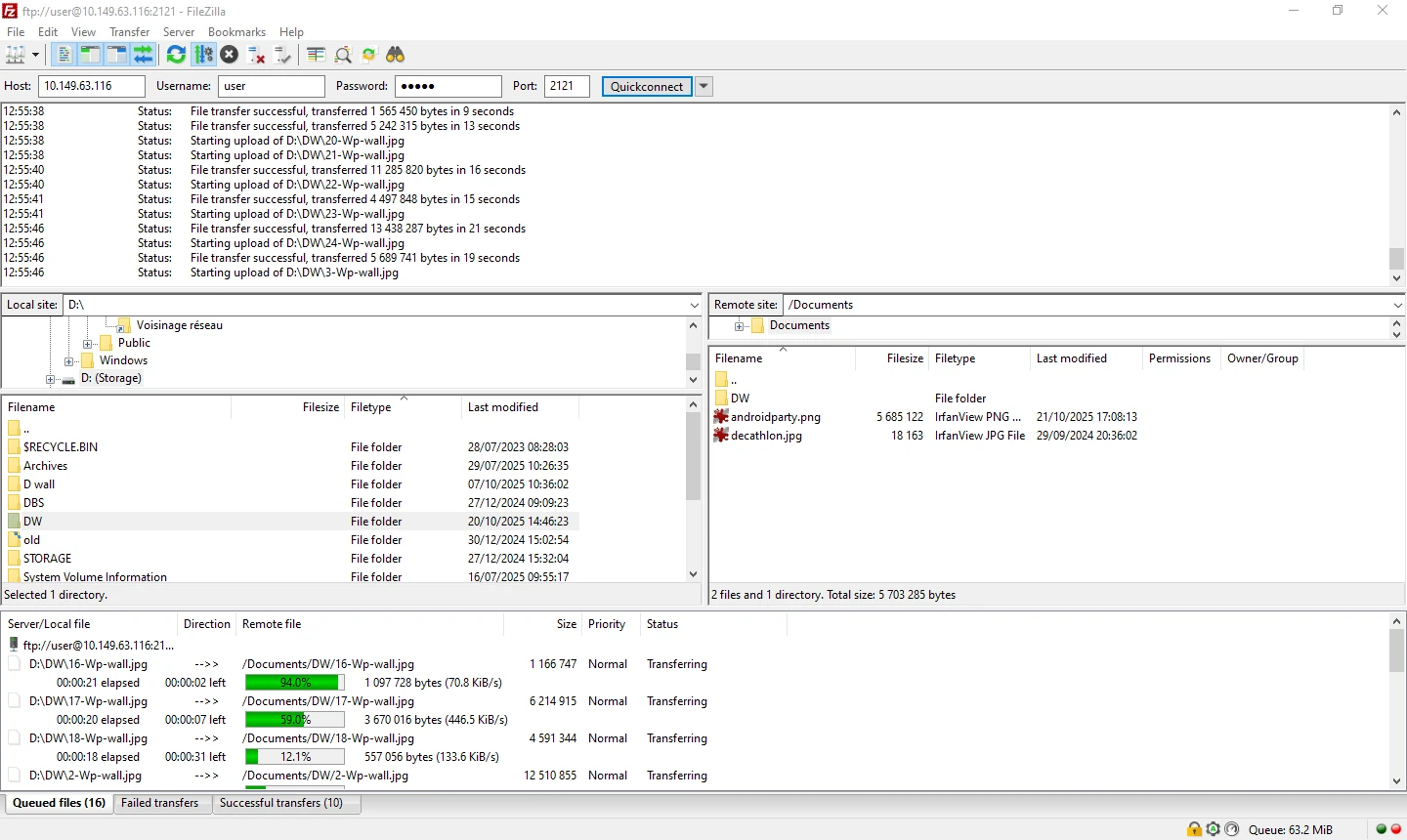
    Use an FTP client like FileZilla on your computer to connect to the server address and transfer files.
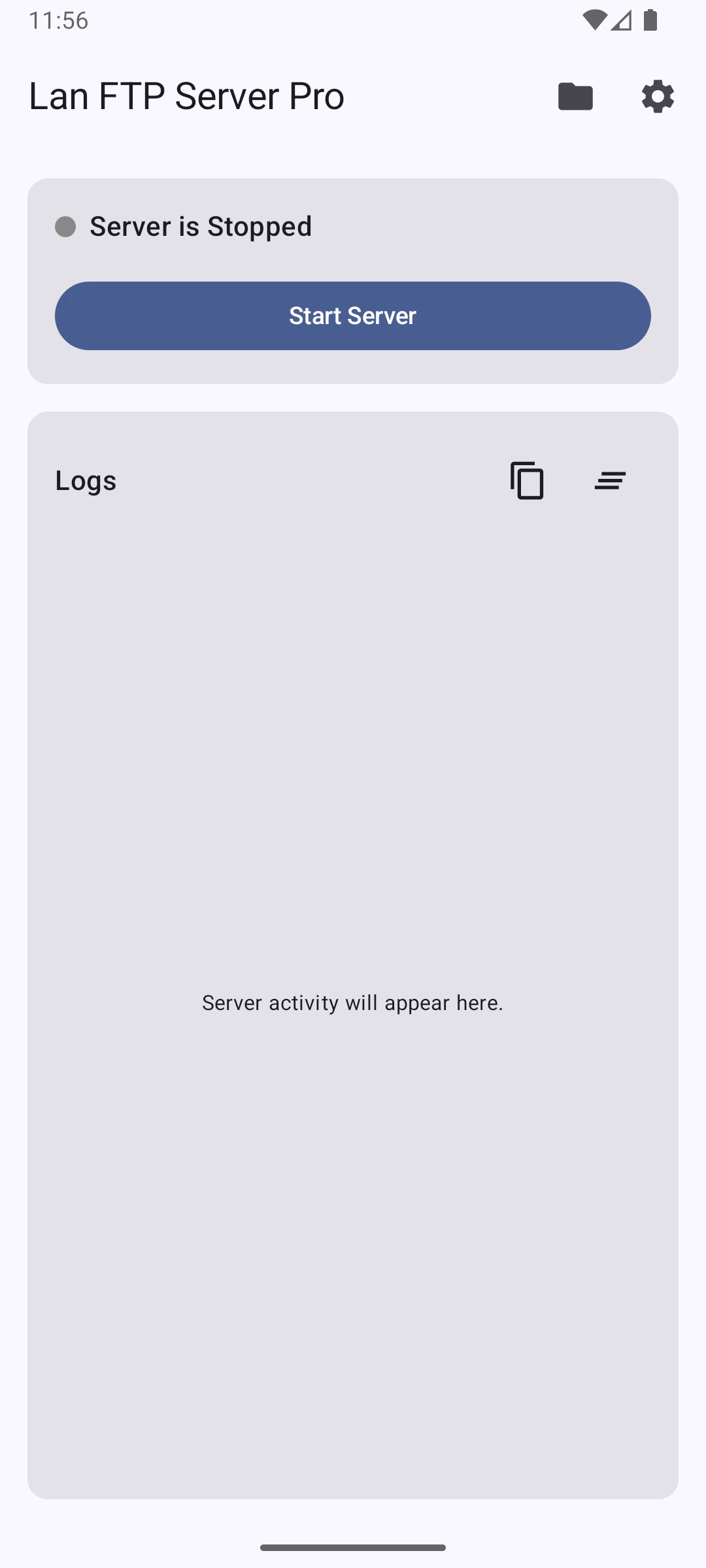
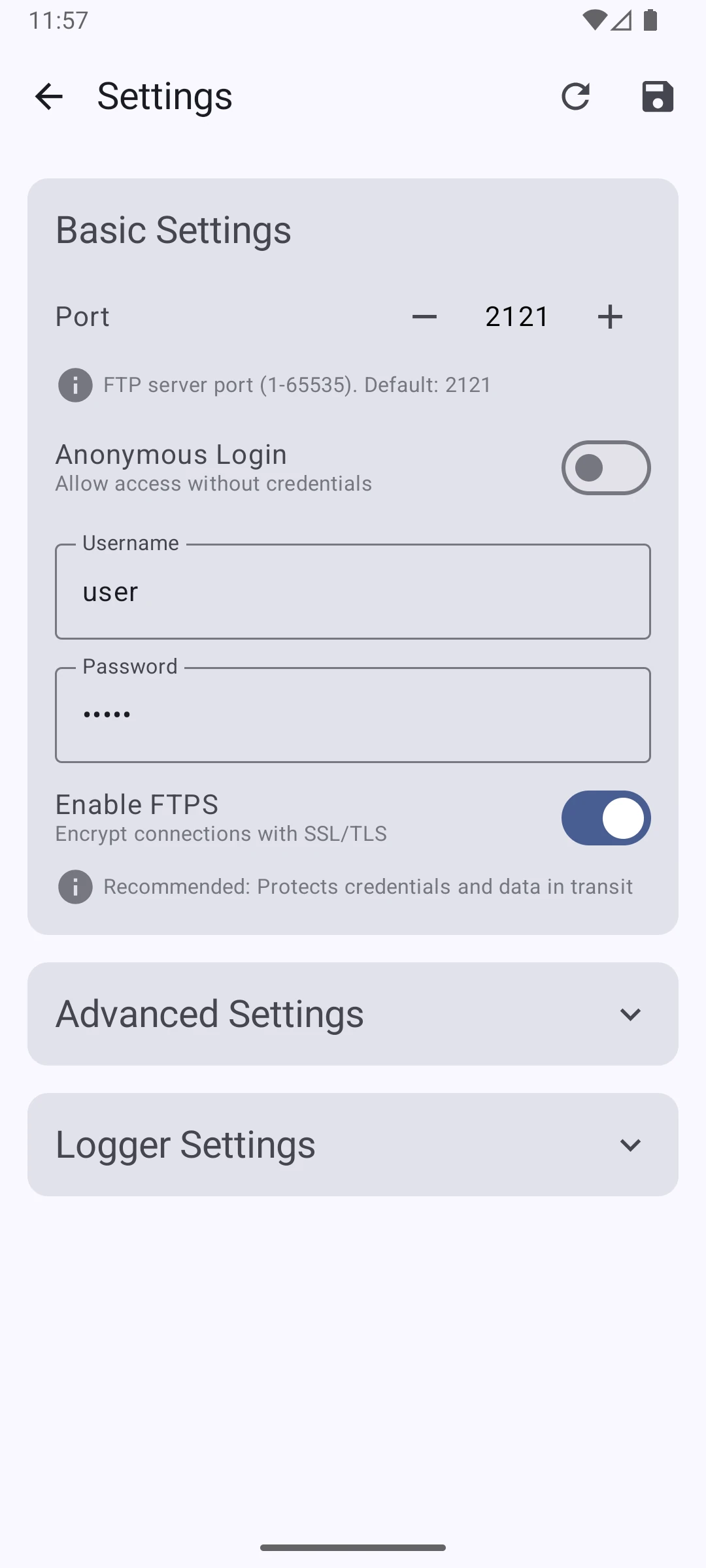
Screenshot of the LanFTPServerPro app
FAQ

Frequently Asked Questions

Some home routers have security features like "AP Isolation" or "Client Isolation" that prevent devices on the same Wi-Fi network from communicating with each other. If you can't connect, check your router's settings and disable this feature.

Yes, absolutely. Start your phone's hotspot, connect your computer to it, and then start the FTP server in the app. This creates a direct local network between your devices, making it a great option when you don't have access to a Wi-Fi router.

Your data is as secure as your local network. The app only allows connections within your Wi-Fi network or hotspot. For added security, always set a strong username and password for your server in the app's settings.

You can use any standard FTP client. We recommend popular clients like FileZilla for Windows, macOS, and Linux, or Cyberduck for macOS. Windows Explorer and macOS Finder also have built-in FTP support.

No, an internet connection is not required. The app works entirely over your local Wi-Fi network or phone hotspot, so you can transfer files even when you're offline.

Download the App

Get it now on Google Play. Turn your phone into a powerful FTP server.

Pro Edition

Get it on Google Play

Free Edition

Get it on Google Play
GET IN TOUCH

We'd love to hear from you

Protected by reCAPTCHA. Google's Privacy Policy and Terms of Service apply.